
Guide · Updated September 29, 2026
How to Configure tt and Start a Multi-Model Conversation
tt is a native multi-model AI client for iPhone, iPad, Mac, and Android. This guide shows how to connect your AI services, ask your first question, and read the result.
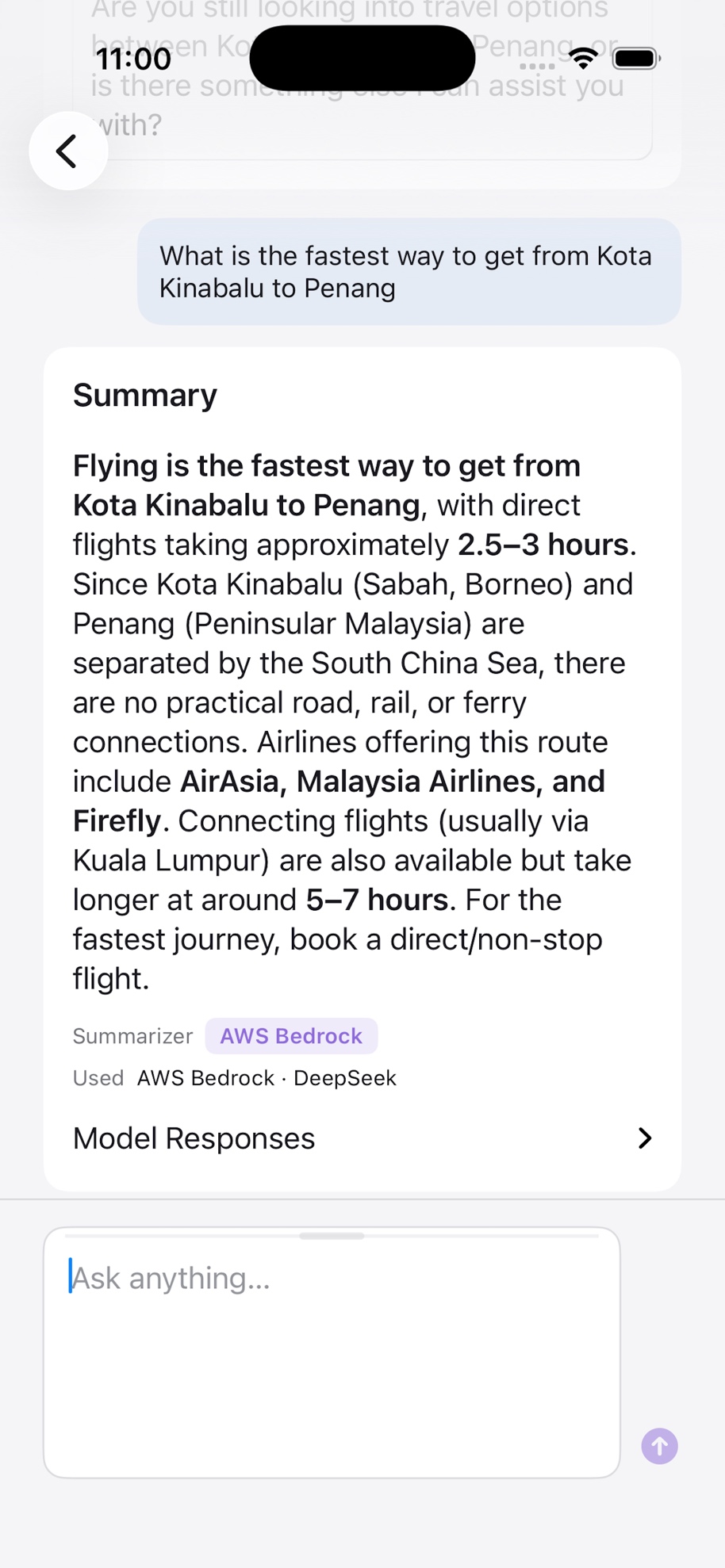
In a standard chat, tt sends the same question to every service whose model and credential configuration is complete, preserves each original response, and asks your chosen summarizer to organize the common points and differences into one synthesized answer. With one configured service, tt shows that service's response directly.
Team Mode is a different workflow: participating models can read the shared discussion, respond to one another, and stop when they have nothing useful to add. In either mode, a model-generated answer can still be wrong. For important decisions, use a structured comparison method, inspect the original responses, and verify claims against reliable sources.
Installation
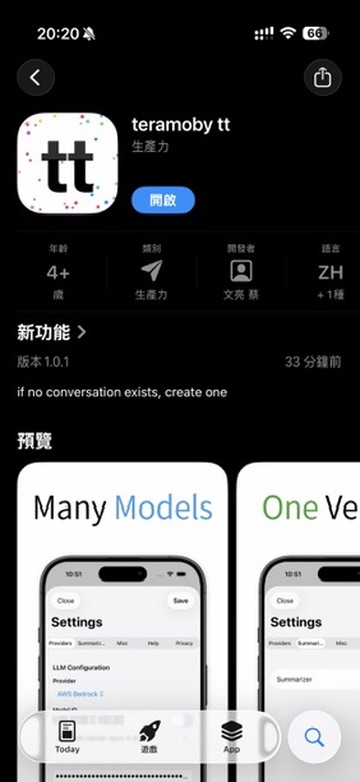
Open the tt download page and choose iPhone/iPad, Android, or Mac. For the App Store version, search for teramoby or open the listing from the download page; the listing is named “teramoby tera (tt).” On first launch, review the privacy disclosure and continue into the app.
Setting Up API Keys
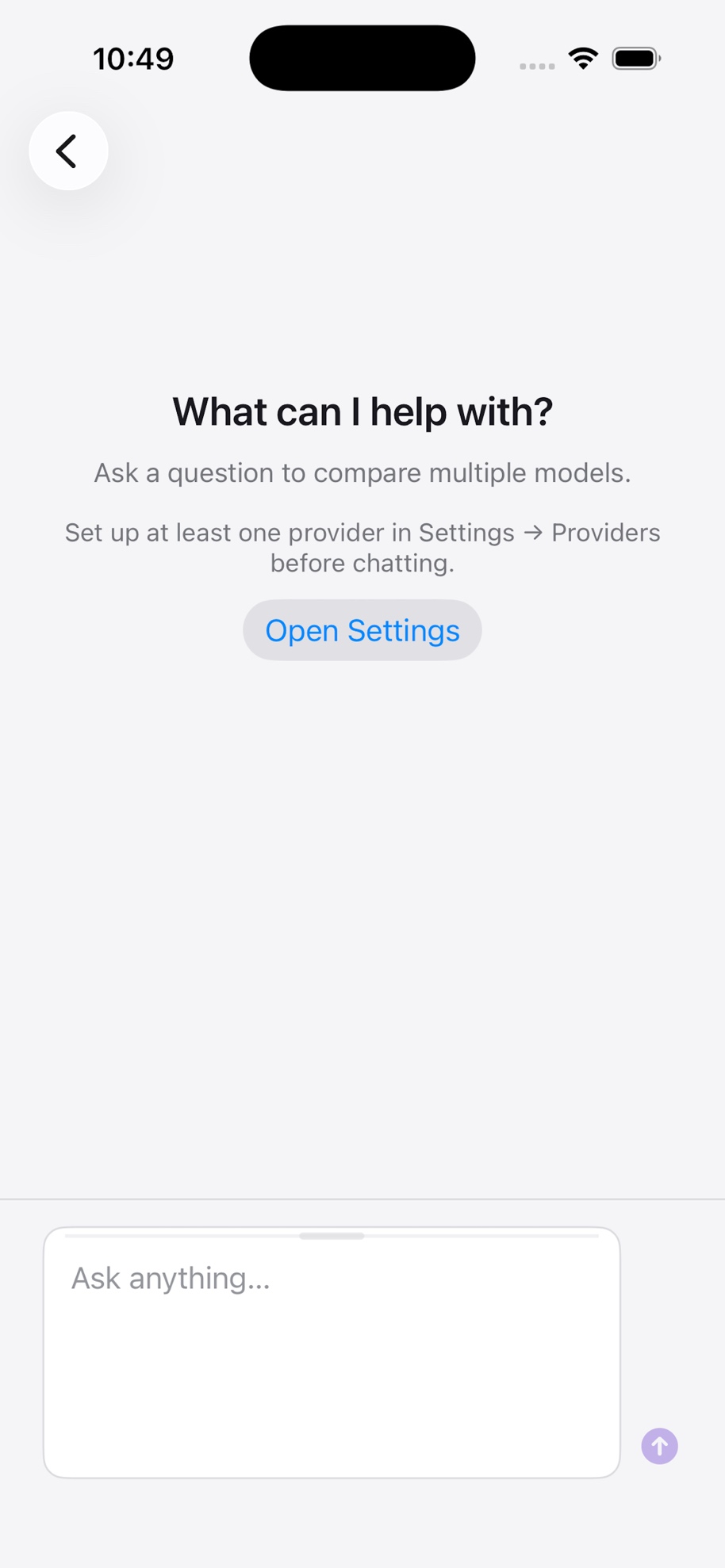
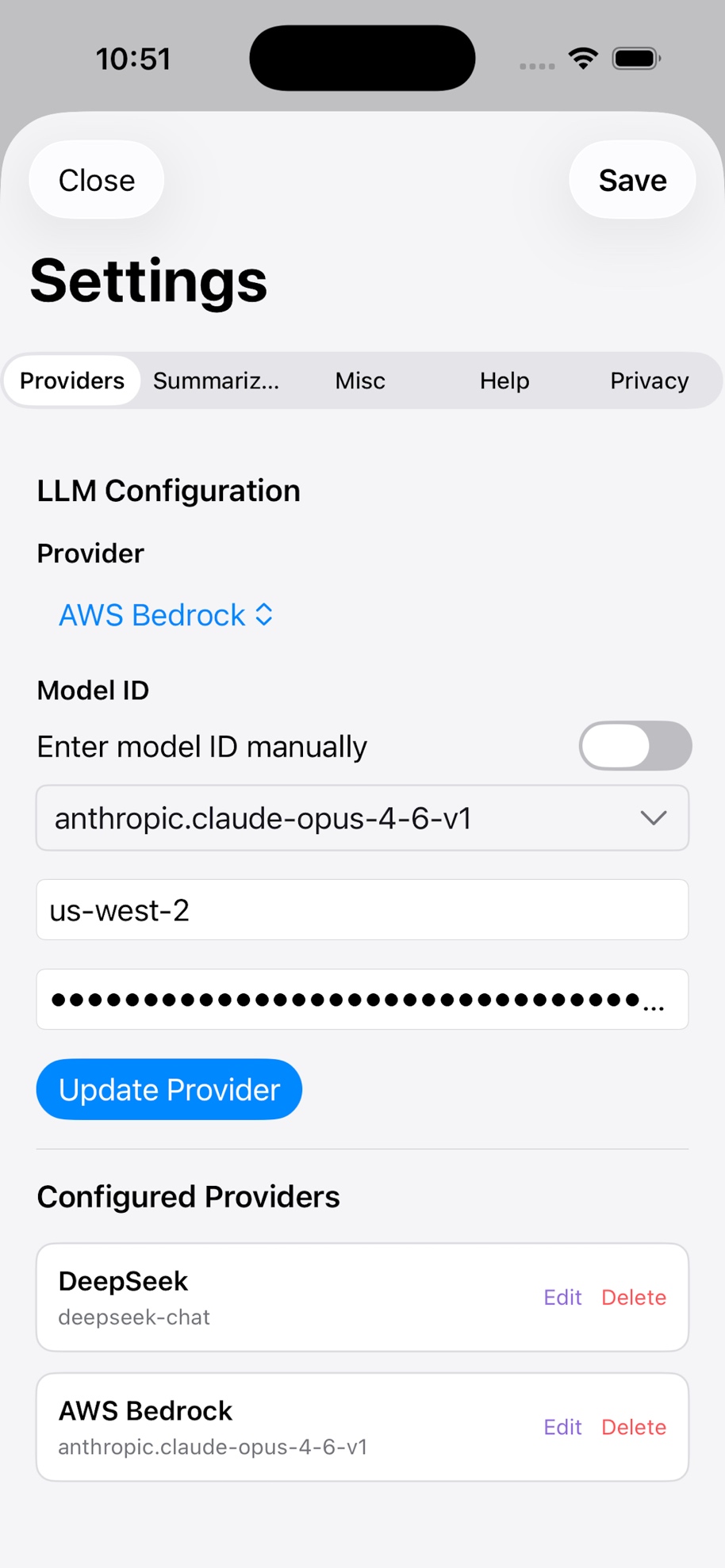
tt is a client — it doesn't supply AI of its own. Model requests travel directly from your device to the configured providers. When Online Search is active and a search is needed, a derived query also goes to the search endpoint described in the Privacy Policy. To get started, enter an API key from at least one provider in Settings → Providers. Here are official links for several common providers:
Before adding a credential, read the BYOK and local privacy guide to understand what stays on your device and what each provider receives.
- ChatGPT (OpenAI)Get API Key →
- Claude (Anthropic)Get API Key →
- Grok (xAI)Open xAI Console →
- Gemini (Google)Get API Key →
- DeepSeekGet API Key →
- AWS BedrockGet API Key →
- Doubao (VolcEngine Ark)Get API Key →
See the current AI provider and hosting-platform integrations. Exact configuration choices appear in the app.
Asking Your First Question
Once your keys are in, you're ready. The workflow is simple:
Check your configured services
Every service with a complete model and credential configuration will participate in the chat workflow.
Type your question and send
tt sends the request to all completely configured services in parallel.
Read each model's response
Responses come back simultaneously. You can read each model's full answer individually.
Review the synthesized answer
tt sends completed responses to the summarizer model, which organizes them into one answer. You can still return to every original response.
Questions or feedback? Email tera-support@teramoby.com or join the Google Group.